

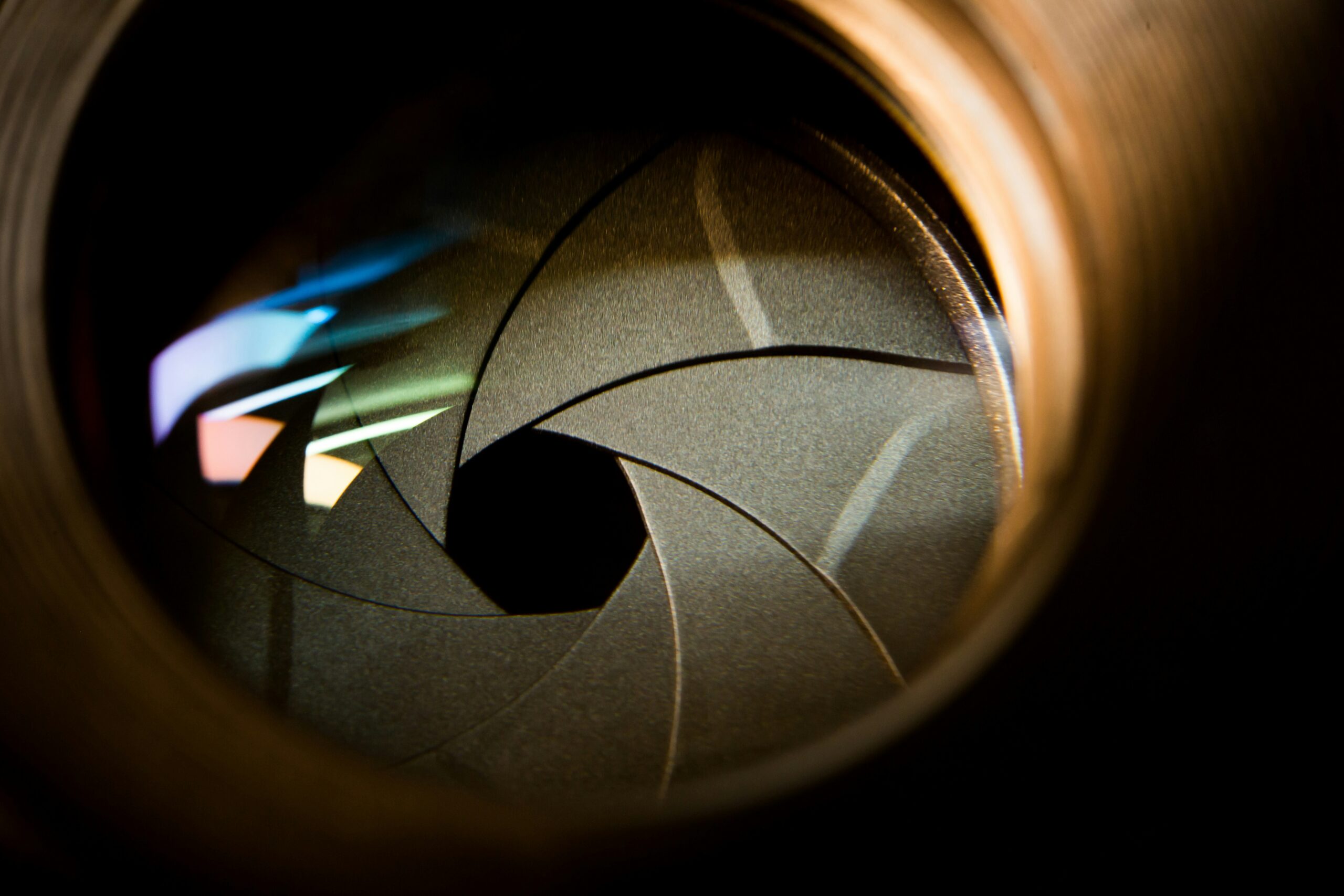
Same camera.
Same lens.
Same creative filter.
Same scene.
Now change only one thing: the aperture.
Will the photograph look exactly the same?
Not necessarily.
Aperture doesn’t only affect how much light reaches the camera. It also changes depth of field and how the background and out-of-focus light appear.
When you’re using a creative lens filter, those changes can influence how the effect fits into the final photograph – even though the filter itself hasn’t changed.
The filter stays the same. The image around it changes.
Aperture can sound technical, but the visual difference is easy to understand.
Wide Aperture – f/1.4 to f/2
A wider aperture creates a shallower depth of field. The subject can feel more separated from
the background, while out-of-focus areas and lights often appear softer and more prominent.
Medium Aperture – f/2.8 to f/4
More of the scene begins to appear defined. The relationship between the subject, background, and surrounding light starts to change.
Smaller Aperture – f/5.6 and Beyond
More of the scene can remain in focus, depending on the lens, subject distance, and setup.
Background details and light sources may also appear more defined.
None of these options is automatically better.
They simply give you different ways to build the photograph.
This is where aperture can become especially interesting when working with creative filters.
Imagine a portrait with several small lights in the background.
At a wide aperture, those lights may appear larger and softer. Close the aperture and their
appearance can become more defined.
If your creative filter interacts with bright points of light, changing how those sources appear can also change the overall balance of the effect within the image.
The subject hasn’t changed.
The filter hasn’t changed.
But the relationship between subject, background, and light has.
Aperture changes the scene your creative filter has to work with.
It’s easy to think of a creative filter as something that produces one specific result every time.
Photography doesn’t really work that way.
The final image is influenced by several elements working together:
Aperture.
Available light.
Focal length.
Distance to the subject.
Background.
Composition.
That’s why two photographers using the same creative filter can produce very different images.
And it’s also why changing just one camera setting can sometimes make a noticeable difference.
Understanding those relationships gives you more control over the result instead of simply hoping the filter creates the look you expected.
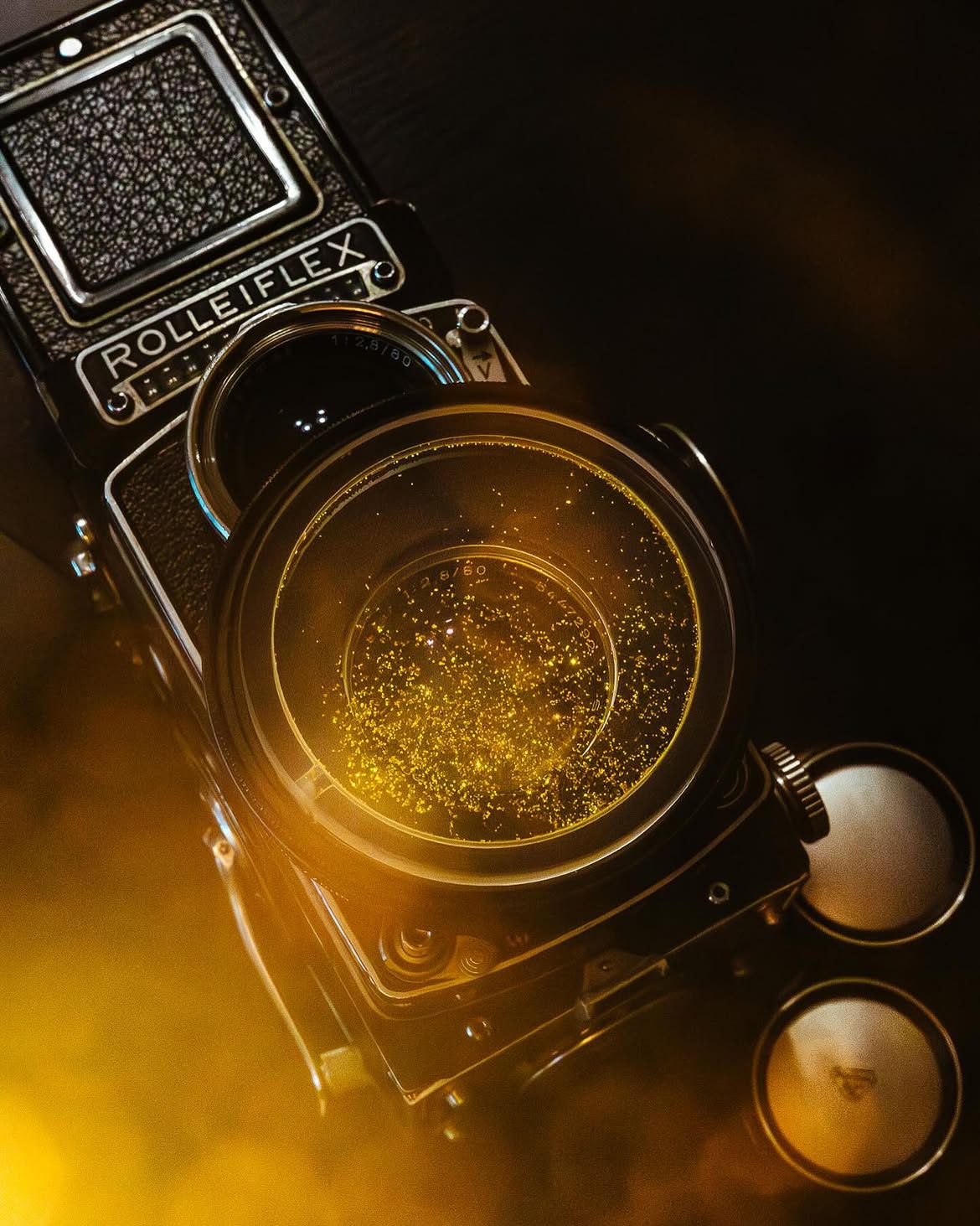
If you want to understand what aperture is actually changing, keep the experiment simple.
Choose one scene and keep the following the same:
Camera.
Lens.
Creative filter.
Subject position.
Lighting.
Then photograph it at several apertures.
For example: f/1.8 -> f/2.8 -> f/4 -> f/5.6
Adjust exposure as needed, but avoid changing the composition or lighting.
Then compare the images.
Background separation – How much of the environment remains recognizable?
Points of light – Do they appear larger, softer, or more defined?
The creative effect – Does it feel more dominant or more integrated into the scene?
The subject – Which version keeps attention where you want it?
Change one variable at a time, and you’ll understand your creative tools much
faster.
You may be looking for a simple answer:
What aperture should I use with a creative filter?
There isn’t one.
A wide aperture might be perfect for a portrait with soft background lights and strong subject
separation.
Another photograph may benefit from more depth and a clearer environment.
Instead of asking which aperture makes the filter look best, ask:
“Which aperture gives this photograph the look I want?”
That small change in thinking matters.
Aperture isn’t only a technical setting used to control exposure.
It’s another creative decision you can use to shape the final image.
 EXPLORA LOS FILTROS CREATIVOSEXPLORA FILTER MAGNET PRO